How to Specify a Laptop Compartment for a Custom Backpack
Define a custom backpack laptop compartment around the device people will carry, then check its fit and access on a loaded sample.
Updated September 22, 2026 | 3 min read | Published by Oksaur Outdoor
Start with the actual laptop
A screen-size label is not enough for a fit check. Start with the laptop model or the device's outside width, height, and thickness. If the program serves several devices, use the largest one that must fit when you check the sample. A laptop listed as fitting in the main compartment may still have no dedicated or padded sleeve.
Set the sleeve dimensions and opening
Mark the sleeve position on a product photo or sketch. Show whether it opens at the top or side and where the opening ends. The device should slide in without catching on a seam or zipper. Put the finished inside width and height in the brief, then check those measurements on the sewn sample rather than relying on the outside panel size.
Be specific about padding and separation
If the laptop needs padding or separation from other contents, say so. Specify the lining, padding, or retaining tab you want. If the bag will be set down with the laptop inside, note whether you want clearance between the device and the bottom seam, and mark it on the sketch. The phrase "laptop compartment" does not settle these construction details.
Check the MG8010 listing carefully
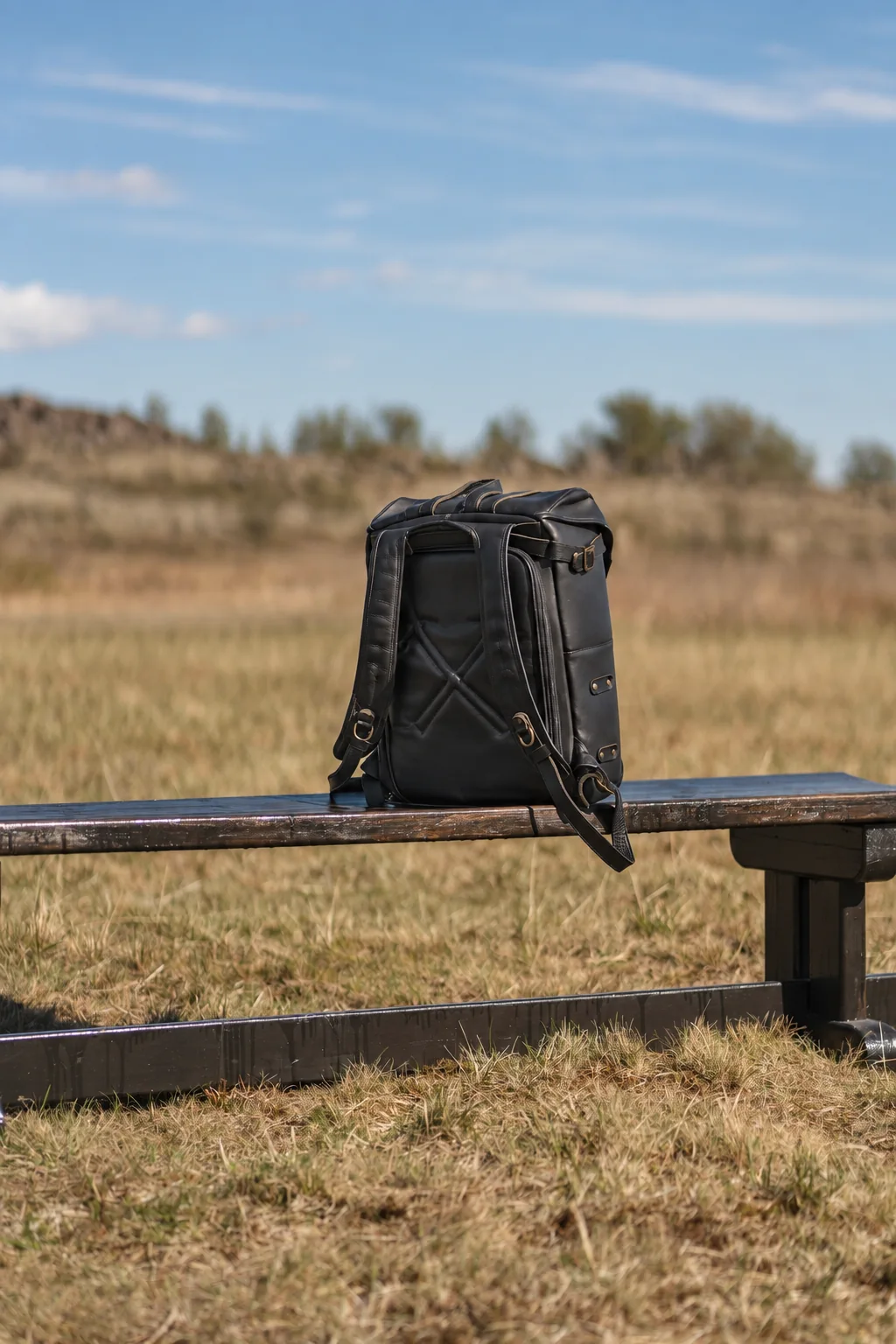
The MG8010 roll-top backpack is listed at 31 × 14.5 × 49 cm, with a capacity that fits a laptop and other daily essentials. Its specification lists the main compartment, roll-top buckle, zipper opening, side zipper pocket, and side storage. It does not give separate laptop-sleeve dimensions or list a dedicated padded sleeve, so the capacity note should not be read as confirmation of either feature.
Test the sample with the intended load
Put the actual laptop into the sample, then pack the items that will sit beside it. Check that the sleeve is easy to reach, the laptop clears the opening, and the zipper closes without pressure on the corners. Try the backpack on and move as the wearer would. A flat product photo cannot show whether the device shifts, catches, or crowds the main compartment.
Keep the approved details together
Put the laptop model or measurements, sleeve dimensions, opening direction, padding, lining, and any bottom clearance in the specification. Save the approved sample photos with it. If a later sample changes the sleeve, check the written dimensions against that sample before approving production.
Discuss a custom backpack compartment
Send the model number, quantity, artwork, destination, and required date. We will reply with the remaining questions needed for pricing and sampling.